
AI email assistant review
Mailbutler Smart Assistant review
Best for: Professionals and small teams that want AI writing and message-to-task workflows embedded in their existing Apple Mail, Gmail, or Outlook client, especially when they also value Mailbutler's tracking, scheduling, templates, notes, and collaboration tools.
Our review
The full take on Mailbutler Smart Assistant
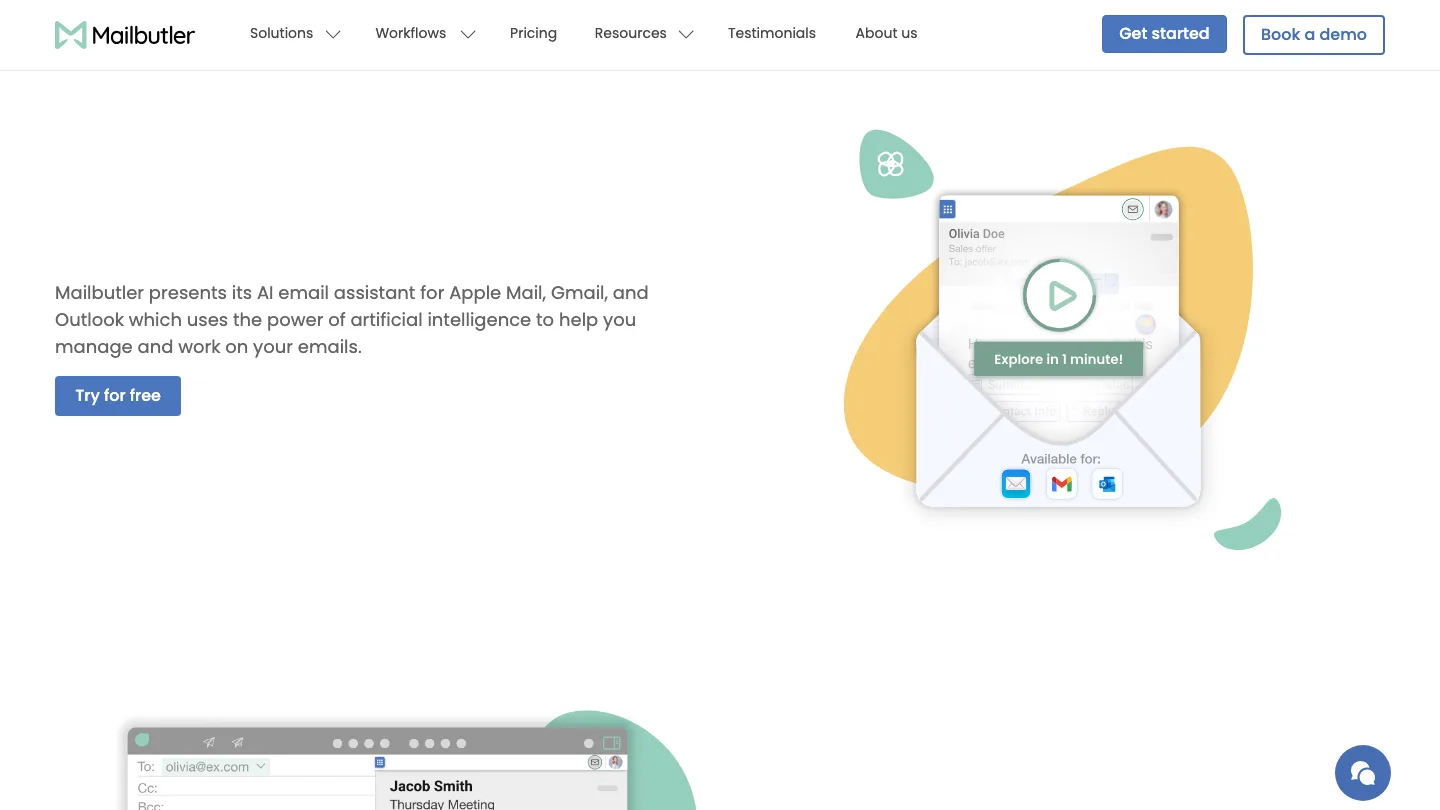
Mailbutler is an actively maintained email-productivity extension that adds GPT-4o-assisted composing, replying, rewriting, summarizing, task extraction, and contact extraction inside Apple Mail, Gmail, and Outlook. It is best suited to people who want AI plus tracking, scheduling, templates, and task features without moving to a new email client. The important limitation is data flow: AI actions require email-content access and may send the selected message's subject and body through Mailbutler to OpenAI, so it should not be described as local-only or as never accessing message content.
Features and fit
What Mailbutler Smart Assistant does
Smart Compose from keywords; context-aware replies with positive, negative, or user-supplied-detail options; tone, length, style, format, and language tuning; spelling, grammar, phrasing, tone, and clarity improvement; message summarization that can be saved as a note or snippet; extraction of to-dos into Mailbutler Tasks; extraction of contact information into Mailbutler Contacts; and AI-drafted follow-ups. The current product page says GPT-4o powers Smart Assistant.
Product type
Commercial email extension/add-in with companion mobile apps and web account tools; not a replacement email provider or a standalone AI-first inbox.
Email and platform support
Apple Mail on macOS, Gmail in supported desktop browsers, and New Outlook on macOS, Windows, and the web. Apple Mail can use iCloud, Gmail, IMAP, Yahoo, and supported Exchange accounts. Mailbutler says Classic Outlook is no longer supported.
Pricing
Plans and cost
Starter is $0; Professional is $9/user/month or $7/user/month with yearly billing but does not include Smart Assistant; Smart is $14/user/month or $11/user/month with yearly billing and includes Smart Assistant; Business is custom-priced and also includes it. Prices are the public USD figures visible on 2026-08-09 and should be rechecked before publication.
Free plan or trial
A 14-day trial includes all features and requires no credit card. After the trial, an account automatically moves to the free Starter plan. Smart Assistant then requires Smart or Business.
Privacy and security
What happens to your email data
Certain Smart Assistant features require the user to enable access to email content. The current privacy policy says that, when the assistant is invoked, Mailbutler may send the selected email's subject and body through Mailbutler to OpenAI. A first-party architecture article says processing begins only after the user clicks an AI action, limits context to the selected message, and masks email addresses and web links before sending; it did not establish that every category of sensitive information is masked. Mailbutler states GDPR compliance, offers a DPA, lists OpenAI as a Smart Assistant subprocessor, and publishes an ISO/IEC 27001:2022 certificate. The certificate's issue-expiry date is August 19, 2026, so certification status needs rechecking after that date.
Security certifications and data-handling commitments are attributed to the vendor unless the supporting audit artifact was independently reviewed.
Independent signal
What users are saying
One relevant August 4 Instagram walkthrough presented Mailbutler as an AI productivity layer for Apple Mail, Gmail, and Outlook and specifically highlighted drafting, summaries, and task creation. The run did not find trustworthy recent user testimony about response quality, summary accuracy, or daily reliability of Smart Assistant itself. Most Reddit and TikTok results were generic email-productivity posts or keyword collisions and were excluded. The strongest freshness evidence instead came from Mailbutler's July 30 changelog, which shows that the AI interface is still being improved.
Weak for independent user sentiment and AI-output quality; strong for current product activity and advertised capabilities when first-party evidence is included.
2026-07-10 through 2026-08-09.
A recent independent Instagram walkthrough described Mailbutler as an in-client tool for drafting replies, summarizing messages, and turning messages into tasks; it received 9,432 views, 71 likes, and 3 comments.
The only meaningful named-product social signal found inside the 30-day window; it shows category awareness, not product satisfaction or comparative quality.
A June reviewer alleged that changes introduced repeated bugs and support friction; April and March reviewers alleged unreliable tracking in Outlook and Gmail.
Current operational-risk signal for the broader extension. These reviews do not directly test Smart Assistant output and should not be generalized into an AI-quality verdict.
The Apple App Store includes long-term users praising Apple Mail integration, tasks, notes, collaboration, and support, while noting occasional Gmail-related problems and lack of identical iPhone integration.
Useful counterweight to Trustpilot, but much of the visible feedback predates the current Smart Assistant and cannot establish present AI quality.
A publisher review framed Mailbutler as a broad Apple Mail productivity upgrade whose AI features now include composing, tone refinement, replies, and follow-up management.
Recent third-party product overview, but low engagement and publisher-originated rather than independent user testimony.
One Mac-app discussion described long-term use but called Mailbutler expensive and clunky.
Direct user tradeoff signal, though outside the 30-day window and not specific to Smart Assistant.
Limitations
What to know before choosing Mailbutler Smart Assistant
- The privacy copy needs careful qualification. General Mailbutler functions may avoid message-body storage, but Smart Assistant is an explicit exception that can transmit the selected subject and body to OpenAI.
- The 2025 architecture article documents masking of email addresses and links and describes broader masking as future work. Do not compress this into “all sensitive data is anonymized.”
- The current privacy policy does not provide a Mailbutler-specific retention period for OpenAI processing or an explicit product-specific no-training promise. Do not import those guarantees from generic API policy without confirming the applicable contract.
- Independent recent evidence about AI output quality is sparse. The only strong on-entity social item in the 30-day window is an explanatory creator walkthrough, not a hands-on comparison or satisfaction review.
- Recent Trustpilot complaints focus on tracking reliability, billing, bugs, and support rather than Smart Assistant. They are relevant to the full-product purchase decision but cannot establish an AI failure rate.
- Mailbutler is a broad productivity suite. Buyers who only want AI writing may find the Smart plan expensive relative to a narrower extension, while teams may value the bundled tracking, scheduling, templates, tasks, and collaboration.
- Classic Outlook is no longer supported. Directory copy should say New Outlook and avoid a universal “works with Outlook” claim without that qualifier.
- The ISO certificate published by Mailbutler has an issue-expiry date of August 19, 2026 even though it also references a broader certification period through 2028 subject to surveillance. Recheck the vendor's current certificate before publishing the badge.
- Mailbutler runs an affiliate program. Any future commercial relationship with this directory must be disclosed and must not affect editorial ranking.
- No verified official public source-code repository was found. Do not label Mailbutler open source or use unrelated GitHub keyword activity as maintenance evidence.
Evidence
Sources behind this review
Product facts come from current first-party pages. Independent and community sources are used for context—not as proof of every product claim.
Mailbutler positions Smart Assistant as an AI email assistant for Apple Mail, Gmail, and Outlook; it can compose, reply, tune, summarize, improve writing, and find tasks.
The current product page identifies GPT-4o as the model powering Smart Assistant and says continued use after trial requires Smart or Business.
Current support documentation gives per-client workflows for compose, respond, summarize, improve, Task Finder, and Contact Finder and requires content access for certain sub-features.
Apple Mail, Gmail, New Outlook, provider, operating-system, browser, and mobile compatibility are documented; Classic Outlook support is discontinued.
Public plans are Starter, Professional, Smart, and Business; Smart is $14 monthly or $11 with yearly billing, and Business is custom. The 14-day trial includes all features without a card.
The privacy policy says the selected email's subject and body may be sent through Mailbutler to OpenAI when Smart Assistant is used.
The vendor says AI processing is user-triggered, limited to the selected email, and currently masks email addresses and web links before the OpenAI call.
Mailbutler lists AWS, Sentry, OpenAI, and other subprocessors and offers a DPA while asserting EU and UK GDPR compliance.
The latest changelog entry improved Smart Assistant's layout across all three supported clients.
Mailbutler publishes an ISO/IEC 27001:2022 certificate for its information-security management system.
A founder essay says Mailbutler remains independently controlled after declining outside investment.