
AI email assistant review
ThunderAI review
Open sourceBest for: Thunderbird desktop users who want AI help without changing email clients; privacy-conscious users willing to configure Ollama or another local endpoint; technical users who value BYOK/provider choice, custom prompts, and open-source code; users who want AI tagging or spam filtering over accounts already connected to Thunderbird.
Our review
The full take on ThunderAI
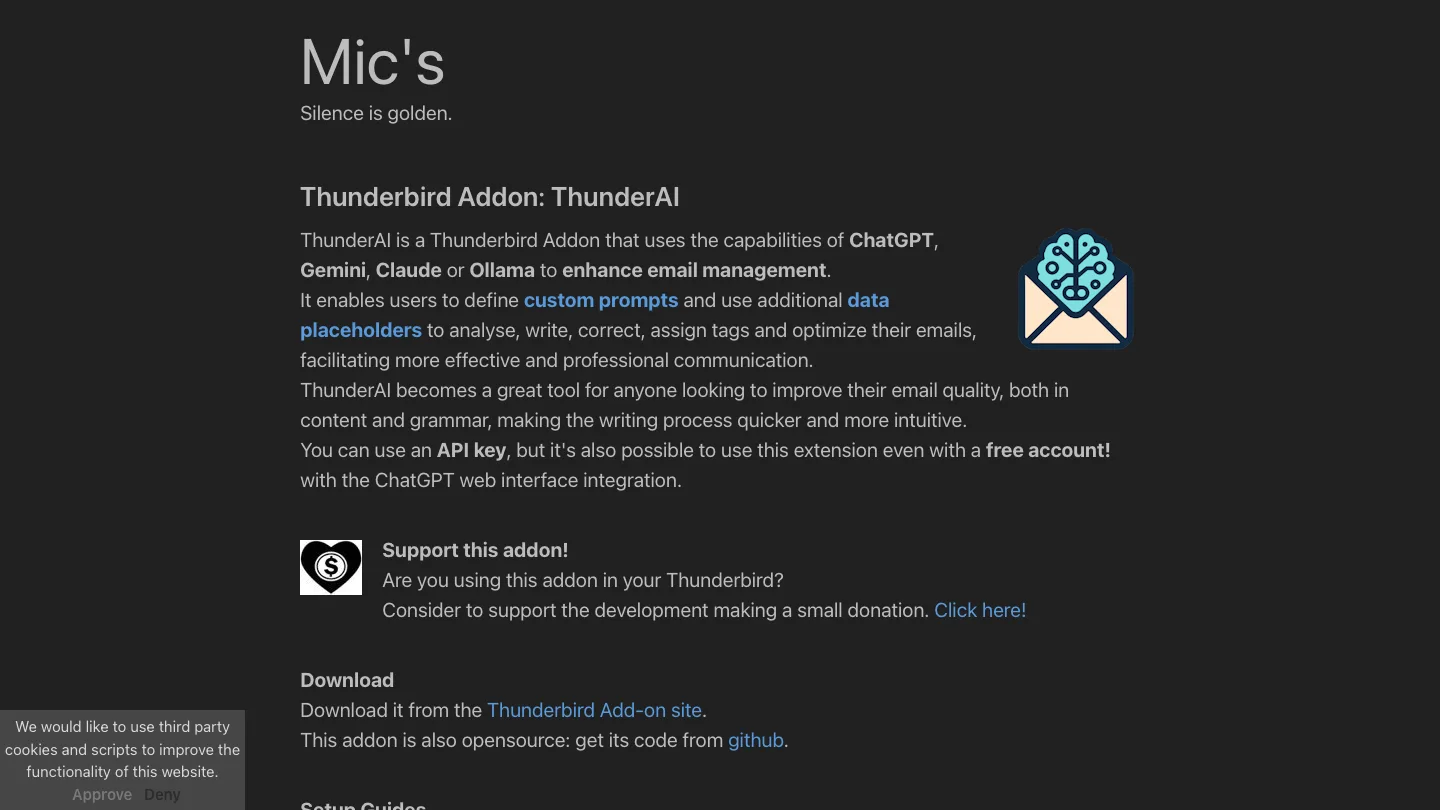
ThunderAI is an active, free, GPL-3.0 Thunderbird extension that brings AI drafting, analysis, summaries, translation, tagging, spam filtering, and custom prompts into the desktop email client. It is strongest for Thunderbird users who want to choose their own cloud provider or keep email processing local with Ollama; it is not a standalone email client or AI service, and the quality, cost, and privacy of its output depend heavily on the selected model and configuration. Independent recent evidence is sparse, so its current profile should lean on the live add-on listing, source repository, permissions documentation, and clearly labeled user reports rather than a broad sentiment claim.
Features and fit
What ThunderAI does
Analyze, draft, reply, correct, rewrite, translate, and summarize email; create calendar events and tasks from messages; create/import/export custom prompts with email data placeholders; assign tags; run automated incoming-email tagging and spam detection; process selected messages in batches.
Product type
Open-source Thunderbird MailExtension. Official extension GUID: thunderai@micz.it. Repository: micz/ThunderAI. License: GNU GPL v3.0.
Email and platform support
Thunderbird Desktop 140.0 or later. ThunderAI works on messages and accounts already configured in Thunderbird; it is not a separate Gmail, Outlook, or mobile app.
AI providers and model options
ChatGPT Web, OpenAI API, Google Gemini API, Anthropic Claude API, Ollama, and generic OpenAI-compatible endpoints. The vendor lists LM Studio and predefined configurations for DeepSeek, Grok, Mistral, OpenRouter, and Perplexity among the compatible-endpoint options.
BYOK/local models
OpenAI, Gemini, Claude, and many compatible services use credentials supplied by the user. Ollama requires no API key and can process email locally; an OpenAI-compatible server can also be local, such as LM Studio. Ollama setup requires CORS configuration for the Thunderbird extension origin.
Pricing
Plans and cost
The extension itself is free to download, with optional donations and no paid ThunderAI plan listed. Provider costs are separate: ChatGPT Web can use a free account, Gemini advertises a free API tier, Ollama is free apart from hardware, and OpenAI/Claude APIs are pay-per-use.
Free plan or trial
Free extension; no trial gate. The selected provider may impose its own usage limits or billing.
Privacy and security
What happens to your email data
The developer says ThunderAI collects no data itself other than settings stored locally. For cloud integrations, the prompt is sent to the configured provider on user action and is governed by that provider's policy. When automatic tagging or spam detection is enabled, a prompt is sent to the configured service for each received email. A same-machine Ollama setup keeps prompts and email content on the machine. Required permissions include reading messages, modifying displayed/composed messages, viewing accounts/folders, tabs, downloads, and tag listing; optional permissions cover message/tag movement, contacts for local antispam exclusions, provider domains, and all URLs for CORS workarounds.
Security certifications and data-handling commitments are attributed to the vendor unless the supporting audit artifact was independently reviewed.
Independent signal
What users are saying
No trustworthy independent named-product discussion surfaced inside the 30-day window. The strongest current signal was first-party maintenance: GitHub v4.1.1 shipped on 2026-07-19, with follow-up commits through 2026-07-26. The engine returned 34 Reddit threads and 15 TikTok videos, but the ranked results were overwhelmingly about Thunderbird generally, Ford Thunderbirds, military Thunderbirds, generic local AI, or unrelated uses of “Thunder AI”; those raw counts are not product mentions.
Weak for independent user sentiment; moderate for active-maintenance evidence.
2026-07-10 to 2026-08-09
A user reported that several local Ollama models often failed to return clean JSON or tag even simple sender rules reliably; another commenter reported successful automatic purchase tagging and academic-spam filtering with gpt-oss:20b.
Shows that local support is real but reliability depends on model size, prompt, context, speed, and configuration. The thread is outside the 30-day window.
A Thunderbird Add-ons reviewer praised Ollama integration, automatic spam detection, and active issue fixes, while saying the UI could be more polished.
A specific current-user report covering both a strength and limitation; still a single review and outside the 30-day window.
Earlier reviewers raised concerns about broad permissions; the developer responded by publishing dedicated privacy/permissions documentation and pointing to the open source.
Explains why permissions deserve prominent editorial treatment, but the reviews refer to old 2.x versions and cannot prove current risk.
Limitations
What to know before choosing ThunderAI
- The name collides with the unrelated sovereign-agent platform at thunderai.app, ThemeMaker's “Thunder AI” dashboard product, Thunderbird's separate “Thunderbolt” project, vehicles, military teams, and other meanings. Always identify this listing as “ThunderAI for Thunderbird by Mic/micz,” and use exact repository/store URLs in research queries.
- ThunderAI can read email content and modify messages, tags, and folders. These permissions are expected for its feature set but materially sensitive; privacy-focused pages should explain them instead of simply calling the product private.
- Cloud-provider use sends prompts and potentially message content to that provider. The provider's retention, training, and billing policies apply. Only a correctly configured local backend supports the strongest local-processing claim.
- Automatic tagging and spam detection can send prompts on every incoming email. Users should understand the cost and privacy implications before enabling them.
- Ollama/local-model output quality is not uniform. The most specific community thread found both failures with multiple small models and success with a larger model; do not market local operation as equivalent to cloud-model reliability.
- Ollama and some OpenAI-compatible endpoints require CORS setup or the optional all-URLs permission. This adds setup friction and a broader permission decision.
- Version 4.1.1 requires Thunderbird 140 or later; users on older Thunderbird releases need an older extension version and may miss current fixes.
- The ChatGPT Web integration depends on interacting with an external web interface and has needed compatibility fixes. Treat it as more operationally fragile than a documented API integration.
- No third-party security audit, enterprise compliance package, uptime commitment, or support SLA was verified.
- Recent independent named-product discussion is too sparse to justify sentiment scoring, “most popular” claims, or a ranking position.
Evidence
Sources behind this review
Product facts come from current first-party pages. Independent and community sources are used for context—not as proof of every product claim.
ThunderAI is an open-source Thunderbird add-on for writing, analysis, corrections, tags, calendar events/tasks, custom prompts, and automated tagging/spam handling.
The extension GUID is thunderai@micz.it, version 4.1.1 targets Thunderbird 140+, and the manifest declares the required and optional permissions.
The public Thunderbird store version is 4.1.1.0, compatible with Thunderbird 140+, GPL-3.0, and had 14,164 average daily users with 26 ratings at access time.
The supported integrations are ChatGPT Web, OpenAI API, Gemini, Claude, Ollama, and OpenAI-compatible APIs including local options.
Ollama can run without an API key or cloud service; same-machine use keeps email content on the machine and requires OLLAMAORIGINS=moz-extension://.
ThunderAI says it stores settings locally and sends prompts to the selected cloud provider on user action, or on every received email when automatic features are enabled.
The permissions page explains why the extension reads/modifies email, accesses tabs/downloads, and optionally requests contacts, message movement, provider-domain, or all-URL access.
v4.1.1 added controls and fixes for spam filtering, auto-tagging, batch processing, provider-specific models, Ollama thinking output, and ChatGPT Web response handling.
The extension is free to download, supports a free ChatGPT account, and asks users for optional donations.